
Disclosure: This article contains affiliate links. When you make a purchase through these links, Miralii may earn an affiliate commission at no additional cost to you.
Creating polished multimedia projects often stalls when production software introduces steep learning curves or overly complex menus. For content creators, educators, and businesses seeking efficient media production, Movavi video editing software provides an approachable ecosystem built around rapid editing, integrated AI functions, and multi-format support. Navigating the lineup requires understanding how each standalone application and bundle addresses specific content goals.
Rather than adopting a rigid, one-size-fits-all setup, the software catalog is structured to let you choose between focused tools or integrated suites. Whether you need fast clip assembly, high-speed conversion, or screen recording capabilities, identifying your baseline requirements ensures you invest only in the features you actually utilize.
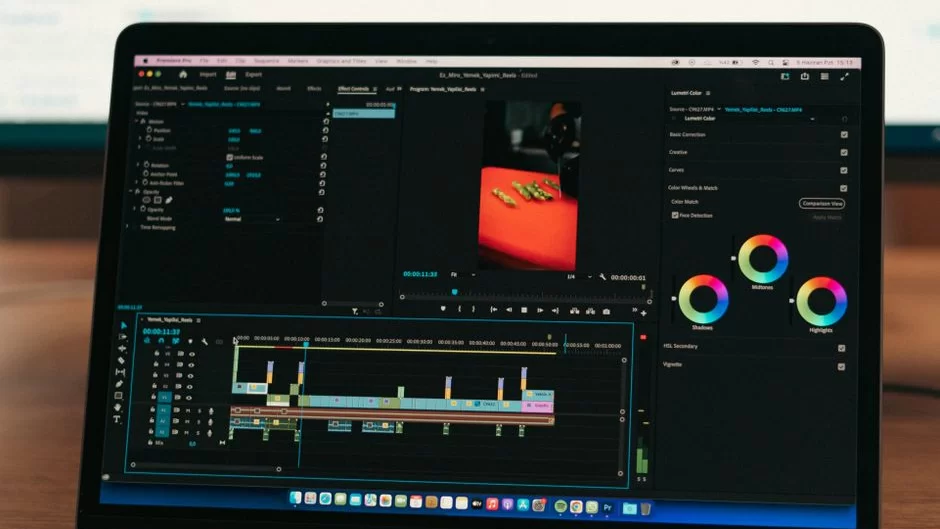
Core Capabilities of Movavi Video Editing Software
At the center of the creative lineup is Movavi Video Editor, designed for users who want to produce engaging video without technical bottlenecks. The editor includes standard timeline utilities for cutting, cropping, and rotating clips, alongside precise color adjustment and playback speed controls. It also supplies a robust library of filters, transitions, title overlays, and audio effects.
Modern production workflows benefit significantly from automated tasks. The software integrates one-click AI tools such as automatic subtitle generation, background noise removal, and silence removal to speed up rough cuts. Creators tracking movement across scenes can leverage built-in motion tracking to anchor titles or graphics directly to subjects. Those preparing to build their creative toolkit can explore Movavi applications to assess the current editing interface and feature availability.
Expanding Production with Movavi Video Suite and Specialized Tools
When media projects extend beyond basic video cutting, standalone utilities and bundled solutions expand your technical range. The flagship Movavi Video Suite combines the core video editor with a dedicated screen recorder and file converter. A standout element within the suite is Movavi Templates, which uses modular block structures that allow editors to swap pre-edited video parts, add auto-subtitles, and customize layouts quickly.
Specialized tasks are handled by dedicated companion software:
- Movavi Photo Editor: Focuses on image retouching, AI object removal, background swapping, and atmospheric color correction presets.
- Movavi Video Converter: Delivers high-speed file conversion, custom media compression, and AI-powered video upscaling up to 8X.
- Movavi Screen Recorder: Facilitates webcam capture, full-screen or custom capture zones, keystroke display, cursor highlighting, and live drawing during recording sessions.
For individuals seeking broad utility across modern tech software, assessing these standalone components helps determine whether an all-in-one bundle provides greater day-to-day value than single licenses.
Selecting the Right Tool for Your Workflow
Choosing the correct package depends on your distribution channel and project cadence. Social media vloggers and casual creators editing family holidays or celebration recaps often find that Movavi Video Editor provides more than enough depth, especially with quick-start templates tailored for vlogs and travel clips.
Educators, lesson designers, and corporate trainers benefit substantially from Movavi Screen Recorder and Video Suite. The ability to capture presentations, highlight key inputs, and structure multi-part video lessons saves substantial time during course prep. Meanwhile, marketing teams producing promotional ads can look toward Movavi Unlimited options, which bundle all video, photo, conversion, and screen capture tools alongside more than 10,000 creative effects and 1,500 audio tracks.
By matching your hardware environment and specific creative deliverables to the right edition, selecting Movavi video editing software becomes a straightforward process that streamlines your entire media production setup.